
The delivery of healthcare via electronic communication, or telehealth, has evolved significantly since its inception. Telehealth has changed fast over the years as technology has advanced, and the healthcare community has innovated to uncover new uses and applications for the technology, including remote patient monitoring.
The use of electronic health records (EHRs) and increased access to the internet and medical gadgets has allowed healthcare to move out of traditional clinical settings and into patients’ homes.
What is Remote Patient Monitoring?
Remote patient monitoring (RPM) is a sort of telemedicine in which healthcare personnel monitor patients using digital medical devices such as weight scales, blood pressure monitors, pulse oximeters, and blood glucose meters. The data obtained by these devices is then electronically transmitted to providers for care management.
Data collecting can include automated feedback and procedures, as well as the ability to indicate out-of-range or problematic readings. Historically, RPM has been used to assess symptoms of chronic disorders such as heart disease, diabetes, and asthma.
Patients may have encountered this through wearable technologies such as Holter monitors, which may assess heart rhythms and remotely detect and monitor cardiovascular illnesses. Given the data and several research studies demonstrating the benefits of RPM, the American Heart Association advises remote monitoring of vital signs for hypertensive patients.
These advantages include patient involvement in their medical care, patient adherence to their treatment plan, and the capacity to extend physician reach and easily give care to patients without requiring patients to travel for in-person visits.
What Are The Benefits of Remote Patient Monitoring?
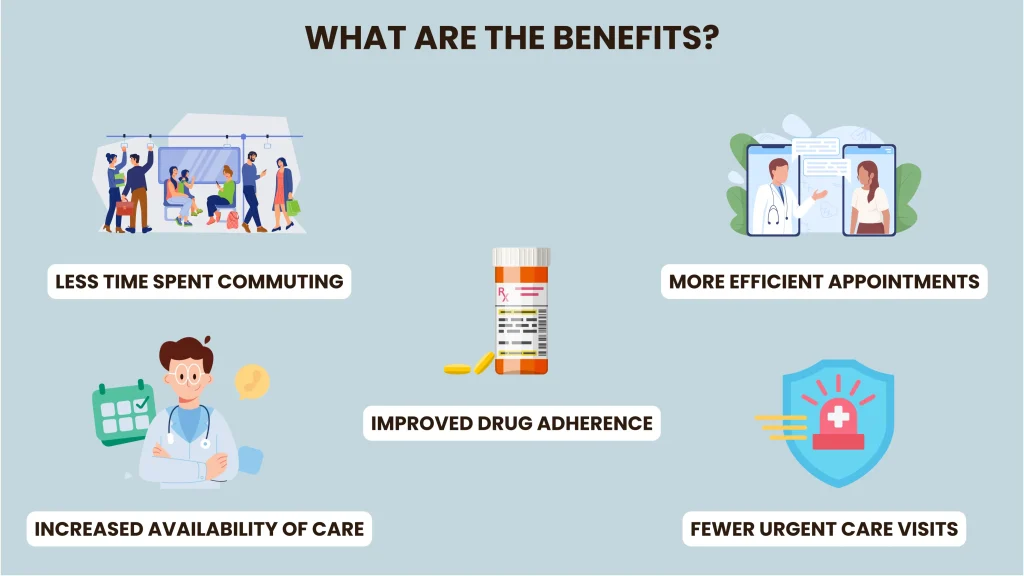
Better health outcomes are the ultimate goal of telemedicine, which offers numerous benefits that are also the reason so many people choose this kind of care.
Some of the advantages of telemedicine include:
- Less time spent commuting and waiting
- More efficient appointments
- Save money on transit, parking, and lost work.
- A capacity to attend appointments at times that may not be convenient for in-person visits
- Increased availability of care
- Access to specialists beyond your local area
- Improved drug adherence
- Fewer urgent care visits and hospital readmissions
- Shorter hospital stays and at-home monitoring capabilities
Types of Telehealth
Below are a few instances of telehealth services that could be beneficial to your health care. Let’s take a look!
Virtual visits
Some clinics may use telemedicine to provide distant care, including remote patient monitoring. For example, clinics may provide virtual visits. These can connect you to a health care physician, mental health counselor, or nurse via online video or phone chats. Virtual visits can treat a variety of diseases, including migraines, skin disorders, diabetes, depression, anxiety, colds, coughing, and COVID-19.
These visits allow you to receive care from a clinician when an in-person visit is not necessary or possible. Before your appointment, your healthcare team may email you information or paperwork to complete online and return to them. They may also ensure that you have the required technology. They will also check to see if you need to update or install any software or applications.
They can also advise you how to sign in and join the video chat during your visit. Additionally, the healthcare team can demonstrate how to use the microphone, camera, and text chat. This is especially helpful for patients using remote patient monitoring devices like blood pressure monitors or glucose meters, ensuring proper setup and connection.
If necessary, request assistance from a family member in setting up the required technologies. To join the virtual visit, all you need is a smartphone, tablet, or computer with internet access. You can locate a nice, quiet, and private place to sit throughout your visit. Your provider also meets in a private setting.
Other options
Some people may seek medical care or guidance online or over the phone. When you connect to a web-based service or phone service that provides primary or urgent care, you are prompted with a series of questions. Drugs can be prescribed by either the provider or the nurse practitioner. They may also advise home care tips, additional medical care, or suggest remote patient monitoring for ongoing observation of your condition.
While these services are convenient, they do have drawbacks:
- Treatment may not be coordinated with your usual provider.
- Important data about your medical history may be overlooked.
- If you have a complex medical history, the computer-driven decision-making approach may not be appropriate for you.
- The service does not make it easy for you to make treatment decisions with your clinician.
Remote monitoring
Many technologies enable a physician or healthcare team to monitor your condition remotely through remote patient monitoring systems.
These technologies include the following:
- Web-based or mobile apps for sending data to your provider or healthcare team. For example, if you have diabetes, you can upload meal diaries, blood sugar levels, and medications that a nurse can review.
- Devices that measure and wirelessly transmit data, including blood pressure, blood sugar, and oxygen levels.
- Wearable gadgets that automatically collect and transmit data. For example, the gadgets may monitor your heart rate, blood sugar levels, walking style, posture, tremors, physical activity, and sleep.
- Home monitoring systems for the elderly or those with dementia can detect changes in daily activity, such as falls.
- Devices that provide reminders reminding you to exercise or take medication.
Patient Portals
Your primary care practice may offer an online patient portal. Rather than using email, these portals provide a safer alternative to contacting your provider.
A portal offers a secure online tool for doing the following:
- Contact your provider or a nurse.
- Request prescription refills.
- Examine test results and summaries from previous visits.
- Schedule appointments or request appointment reminders for preventive care.
If your provider is part of a larger healthcare system, the portal may also serve as a single point of contact for any specialists you may need.
Personal Health Apps and Records
Many apps have been developed to assist consumers in better organizing their medical information in one secure location.
These digital tools could help you:
- Save personal health information
- Maintain a record of vital signs
- Calculate and track your calories
- Set reminders to take medications
- Keep track of your physical activity, such as how many steps you take every day
An electronic personal health record system (PHR system) is a collection of health-related information that you control and manage. A PHR app is accessible from any web-enabled device, such as a computer, laptop, tablet, or smartphone. In some cases, these apps can support remote patient monitoring, allowing you to share health data with your provider easily.
A personal health record also allows you to see your lab results, X-rays, and clinician notes. With your permission, your provider may share this information with other providers. In an emergency, a personal health record can instantly provide critical information to emergency personnel. For example, it can display your current medical problems, medications, drug allergies, and your provider’s contact information.
Tips For An Effective Virtual Healthcare Appointment
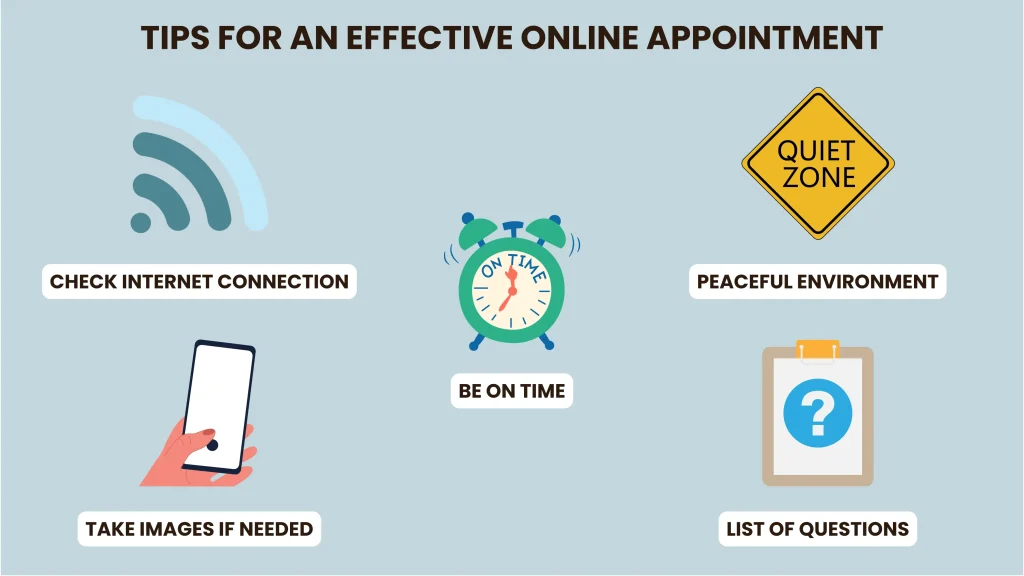
Remember these suggestions for your next virtual healthcare appointment:
- Check the internet connection: Your appointment may be disrupted due to insufficient bandwidth. Try to improve your signal or go to a location with better internet connectivity.
- Get to know the software: You may need to download new software in order to connect safely to the virtual appointment. Make sure you perform this prior to the appointment and test it to confirm it works.
- Pick a peaceful environment with good lighting: Try to pick an area in your house or virtual location with minimal background noise and no disturbances. Good lighting is especially crucial when your doctor examines your skin for a rash, swelling, lumps, or bruises.
- Take images of a skin condition: If you have a skin problem, such as a rash, acne, sore, or strange mark, sharing a high-resolution photograph with your doctor will be quite beneficial. Before your appointment, take a clear and detailed photo of your skin concern and upload it to your doctor’s internet site.
- Have a list of questions: Make appointment notes in the same way as you would for an in-person visit. This can include details regarding what you’ve been through. It may also include inquiries regarding your symptoms, therapy, or test results.
- Acknowledge limitations: Virtual appointments can be useful, but don’t expect the same results as an in-person visit. During one of these visits, a healthcare expert is unable to touch or feel your body, which limits the scope of diagnosis.
- Be on time: It is both a customary courtesy and a need. If you arrive late, you may miss your appointment entirely and need to reschedule
- Put safety first: Make sure you can communicate comfortably with your doctor throughout your appointment. Avoid driving, operating machinery, or multitasking during your virtual session with your doctor.
When to Get In-Person Care
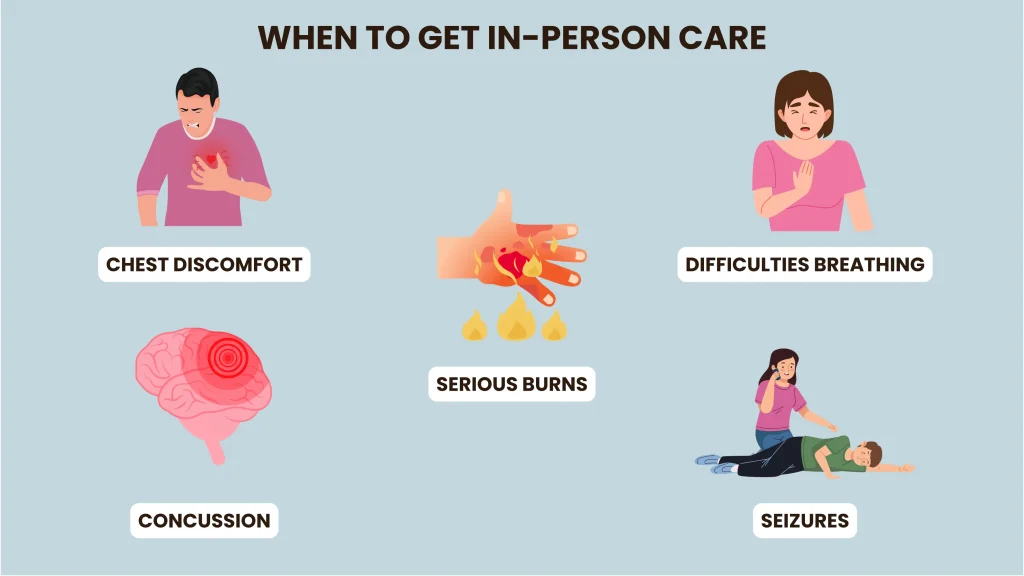
Many illnesses, symptoms, and follow-up appointments can be addressed with telemedicine visits. However, certain symptoms and medical issues necessitate prompt, in-person care.
If you have symptoms like these, go to the nearest emergency room or call 911 right away:
- Chest discomfort
- Difficulties breathing
- Weakness or numbness on one side
- Slurred speech
- Seizures
- Concussion
- Fever and rash
- Severe bleeding
- Serious burns
- Fractured bones or dislocated joints
Furthermore, if you have stomach pain, telemedicine is not the ideal solution because you will need an abdominal exam, which doctors cannot conduct remotely. If you are experiencing abdominal pain, schedule an in-person visit with your doctor.
Conclusion
Telemedicine can be a valuable resource for both healthcare providers and patients. You can get medical care on your own time without the inconveniences of commuting, transportation costs, waiting, or missing work. Remote patient monitoring also enhances this experience by allowing healthcare professionals to track your condition from home. However, telehealth has limitations and is not appropriate for every person, condition, or scenario.
Discuss the advantages and disadvantages of this type of care with your doctor or healthcare practitioner. Together, you may decide whether or not this service is beneficial to your health and well-being.
